
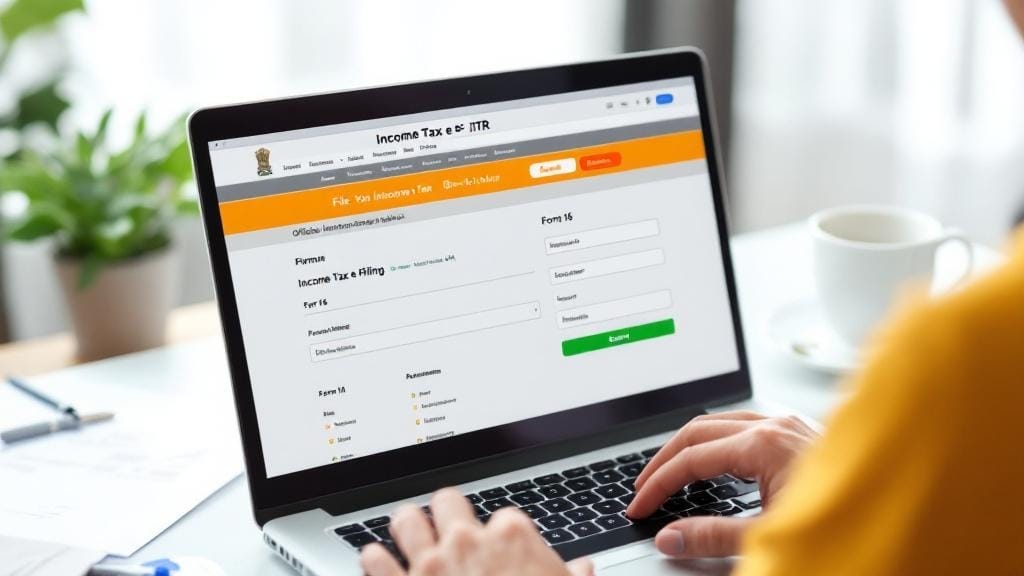
Filing an Income Tax Return (ITR) is an essential process for every taxpayer in India, but many people still rely on Chartered Accountants (CAs) to handle their ITR filing. What if we told you that you could file your income tax return online by yourself, without any professional help? In this comprehensive guide, we’ll walk you through the process of filing an Income Tax Return (ITR) online, without the need for a CA. Whether you’re a salaried employee or a freelancer, this step-by-step guide will help you navigate the online ITR filing process effortlessly.
Why File Income Tax Return Online?
Filing your income tax return online has several advantages, including convenience, cost-effectiveness, and quick processing. Let’s take a look at some key benefits of filing your ITR online:
-
Save Money: Filing your ITR online eliminates the need to pay for a CA or tax consultant.
-
Quick Process: The online filing process is faster and allows for immediate submission, which reduces the chances of errors.
-
Easy Tracking: You can easily track the status of your ITR filing, as well as any refunds due.
-
Secure: The official income tax e-filing portal uses encryption to protect your sensitive data.
-
Instant Acknowledgment: You receive an instant acknowledgment once your ITR is successfully filed.
How to File Income Tax Return Online Without a CA: Step-by-Step Guide
Step 1: Gather the Required Documents
Before you begin filing your income tax return online, make sure you have all the necessary documents in place. These may include:
-
Form 16: A certificate provided by your employer that outlines your earnings and tax deductions.
-
Form 26AS: A summary of the tax deducted at source (TDS) from your income.
-
Bank Statements: For proof of your interest income, savings, and other sources of income.
-
Investment Proofs: Receipts for deductions like 80C, 80D, etc. (e.g., insurance premiums, retirement funds).
-
Other Income Sources: Details of freelance income, rental income, etc.
Step 2: Visit the Official Income Tax e-Filing Portal
The first step in filing your Income Tax Return without a CA is to visit the official Income Tax Department’s e-filing portal at https://incometaxindiaefiling.gov.in/. Here’s how you can proceed:
-
Create a Login ID (if you don’t already have one):
-
Click on ‘Register Yourself’.
-
Select the user type, such as ‘Individual’ or ‘HUF’ (Hindu Undivided Family).
-
Fill in your details, including your PAN card number and personal information.
-
Set a password and answer a few security questions.
-
-
Log in to the Portal:
-
Once registered, log in using your PAN number and password.
-
Step 3: Choose the Correct ITR Form
Choosing the right ITR form is crucial for filing your return correctly. Different forms are applicable to various types of income and taxpayers.
-
ITR-1 (Sahaj): For salaried individuals with income up to ₹50 lakh.
-
ITR-2: For individuals with income from salary, multiple properties, and capital gains.
-
ITR-3: For individuals with business income or professionals (e.g., doctors, lawyers).
If you’re a salaried person with no other sources of income (except salary), ITR-1 is the most common form you will need to file. You can choose the form under the “File Income Tax Return” section.
Step 4: Fill in the Details
Once you select the appropriate form, it’s time to fill in your income and tax-related details. Don’t worry, the process is fairly straightforward. Here’s how to do it:
-
Personal Information: Your name, PAN number, date of birth, address, and other personal details should automatically be pre-filled if your PAN is linked to your Aadhaar.
-
Income Details: Enter your total income, as per your Form 16 and other sources.
-
Deductions: Under section 80C, 80D, etc., enter details about investments like life insurance, provident fund, or other tax-saving investments.
-
Tax Paid: This includes the tax deducted at source (TDS) from your income. This should match the details in your Form 16 and Form 26AS.
Step 5: Verify and Validate Your Information
Once you’ve entered all your information, the portal will run a validation check to ensure that there are no discrepancies. If there are any errors, you’ll be asked to correct them before you can proceed.
Step 6: Submit the ITR Form
After validating your details, click on ‘Submit’ to submit your ITR online. Once the submission is successful, you will receive an Acknowledgment Receipt with a 15-digit acknowledgment number.
Step 7: E-Verify Your ITR
The last step in the e-filing process is to e-verify your return. You can verify your return using one of the following methods:
-
Aadhaar OTP: If your Aadhaar is linked with your PAN, you can use the OTP sent to your registered mobile number.
-
Net Banking: You can e-verify using your net banking credentials (if available).
-
Digital Signature Certificate (DSC): This is mainly for businesses or professionals, but it’s a valid method for e-verification.
-
Sending a Physical ITR-V: If you’re unable to use electronic methods, you can sign and mail the ITR-V to the Income Tax Department within 120 days.
Step 8: Keep Track of Your Refund (If Any)
Once your ITR is filed, you can track the status of your return and refund (if applicable) through the e-filing portal. If you’re due for a refund, it will be processed based on the bank details you provided during filing.
Common Mistakes to Avoid When Filing Income Tax Return Online
Filing your ITR online may seem easy, but there are common mistakes that can lead to rejections or delays in processing. Here are a few to watch out for:
-
Incorrect PAN Details: Ensure your PAN is accurate, as errors in PAN details can cause delays.
-
Missing Income Information: Report all sources of income, even if they seem minor, like freelance work or interest income.
-
Wrong Form Selection: Using the wrong ITR form could lead to the rejection of your filing.
-
Not E-Verifying: Failing to e-verify your return will delay the entire process.
FAQs About Filing Income Tax Return Online Without a CA
1. Can I file my Income Tax Return without a CA?
Yes, you can file your Income Tax Return (ITR) online without a CA. The government’s e-filing portal is designed to allow individuals to file their tax returns easily and accurately.
2. How do I file Income Tax Return online without a CA?
Follow the step-by-step guide provided above to file your ITR. The process involves gathering your documents, filling the form, submitting it online, and e-verifying it.
3. What is the best way to file Income Tax Return without CA help?
The best way is to use the official Income Tax e-filing portal. It’s simple to use, free of charge, and has built-in validation to help you avoid mistakes.
4. Can I file my Income Tax Return myself online?
Absolutely! The Income Tax Department’s online platform is designed for individuals to file their returns without the need for a CA. Just make sure to have all your documents ready and follow the process carefully.
5. Is it safe to file Income Tax Return online?
Yes, the e-filing portal is secure, with encryption and two-factor authentication to protect your data. It’s much safer than paper filing.
6. Can salaried individuals file their Income Tax Return online without a CA?
Yes, salaried individuals can easily file their ITR online by themselves. Just ensure that you have Form 16 from your employer and other necessary documents.
7. How can I submit my Income Tax Return online without paying a CA?
You can submit your ITR without paying a CA by following the steps mentioned above. The entire process can be completed for free through the Income Tax Department’s official portal.






Comments (0)